
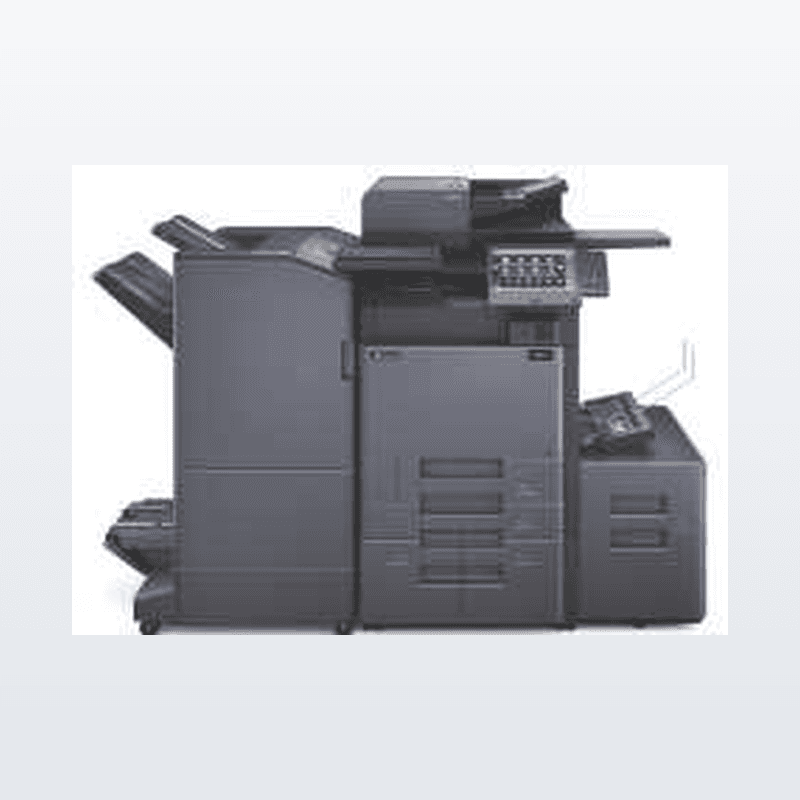
Copystar / Kyocera Control Panel Simulator
5 min readBy Able Business Systems
Try this user friendly control panel from Copystar / Kyocera. This control panel on your new Copystar / Kyocera console copier is easy to operate as well as maneuver around, try it on your IOS, Android or Computer.
iOS Tablet
Launch http://cp.kdaconnect.com/cp-simulator/ in your browser
Select the ‘Share’ button
Select ‘Add to Home Screen’
Android Tablet
Launch http://cp.kdaconnect.com/cp-simulator/ in your browser
Bookmark this page to your tablet
Computer
- Launch http://cp.kdaconnect.com/cp-simulator/ in your browser
Kyocera and Able Business Systems, assisting our Local Businesses.
Serving the Tampa Bay area for over 23 years with state of the art Copiers, Printers & Scanning Solutions.
727-841-6893
“WE KEEP YOUR BUSINESS in BUSINESS”
Need a hand? Call Able Business Systems at (727) 841-6893.
Get a free quote →